
Intro
This article gives you a flying start with DoToo as a sports trainer. We work with a fictional bootcamp school: Bootcamp Soldiers (BS). Fill in your own names and prices.
Have not read yet whether DoToo is a fit? Start with Is DoToo right for my sports training?.
Business profile
Set up your business at play.dotoo.app: cover, name, About text and invoicing details under Settings → General. Participants land on play.dotoo.app/bedrijven/your-slug.
Settings and payments
Under Settings → Payments, switch on Stripe (plus membership, credit pass and product payments where needed). Without Stripe you cannot sell memberships, credit passes or paid tickets online; on-site and free do stay possible.
Switch on the modules you need (through a DoToo administrator): Memberships, Credit passes, Products, Groups, Newsletters, and so on. For groups, also enable Group scheduling under Settings → Dotoos & schedule.
Preparing customer payments
Create your memberships, credit passes and any products first, before you fill the schedule. BS sells memberships, tokens and single tickets, plus two products in the catalog.
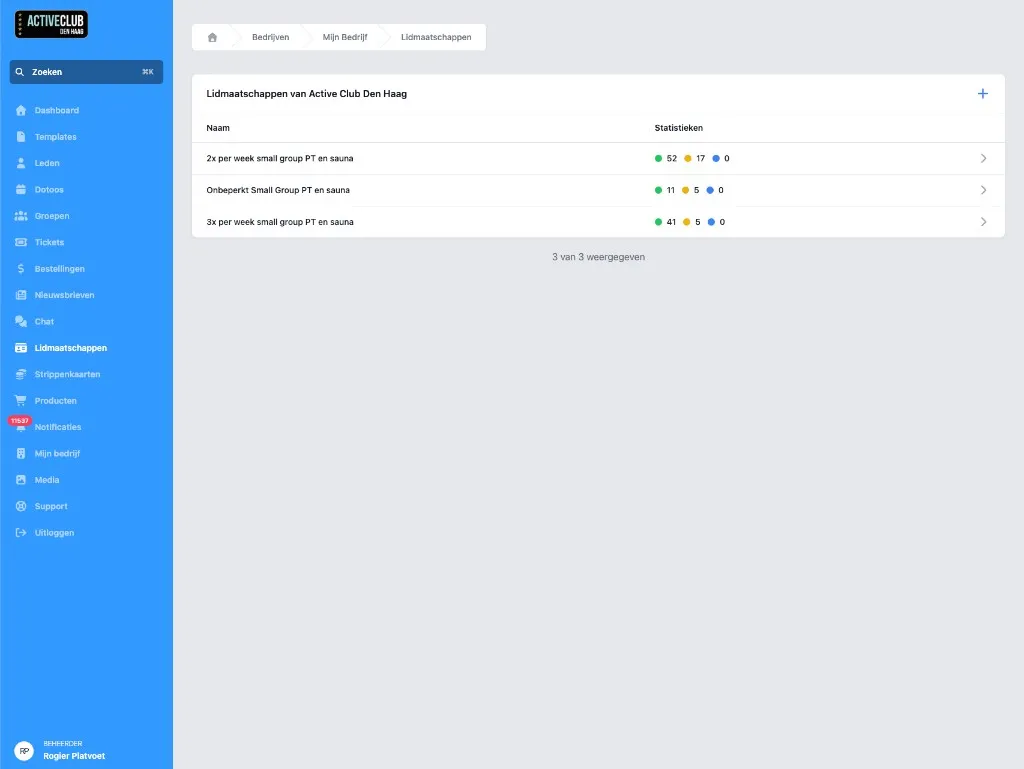
Memberships
Create a membership with variants (for example monthly and yearly). Members buy through Memberships in the menu or through the shareable link …/lidmaatschappen. Recurring direct debit runs through Stripe.
Credit passes
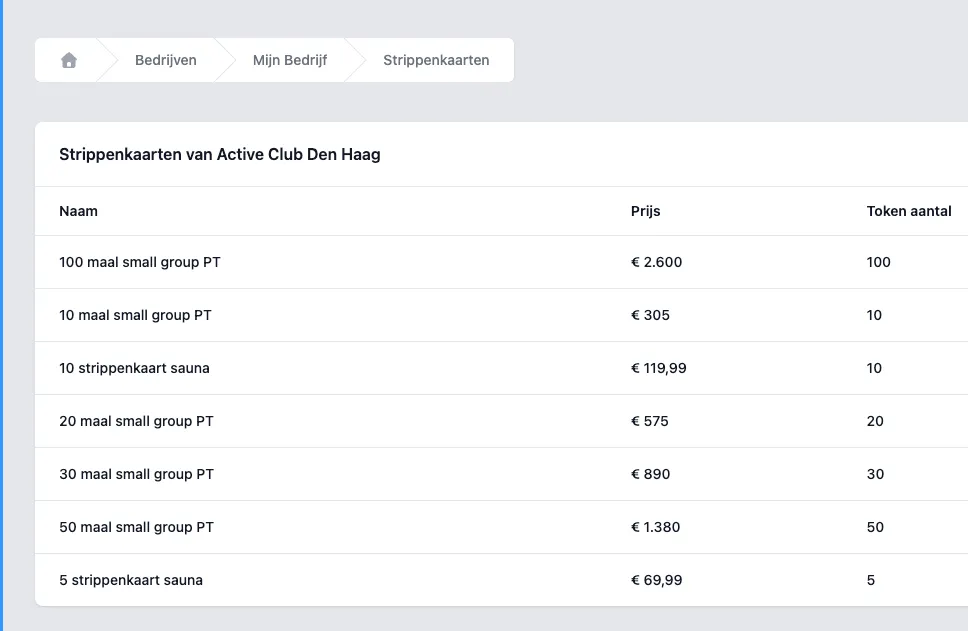
Create credit passes (token bundles) and token categories. On the ticket of a class you later set how many tokens participation costs.
Single tickets
Every participant gets a ticket. For drop-in participants and guests you add a priced ticket (for example €12.50) alongside membership and tokens.
Products
With Products you sell goods or digital downloads alongside your classes. Add variants (price, physical or digital). You share the catalog via …/producten.
Building your class schedule
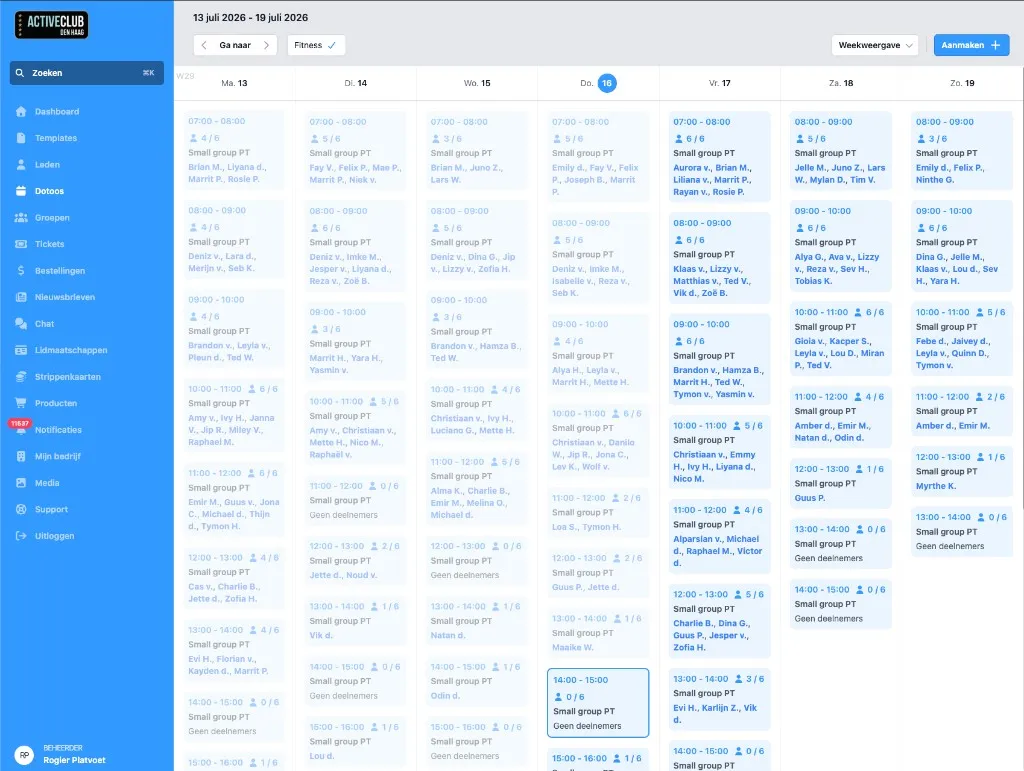
Every class is a dotoo. For a fixed weekly schedule, use templates plus groups with auto-scheduling instead of creating hundreds of repeats by hand.
BS has five time slots on weekdays and three at the weekend. For example: Monday to Friday 08:00–09:00, 18:00–19:00, and so on.
Templates
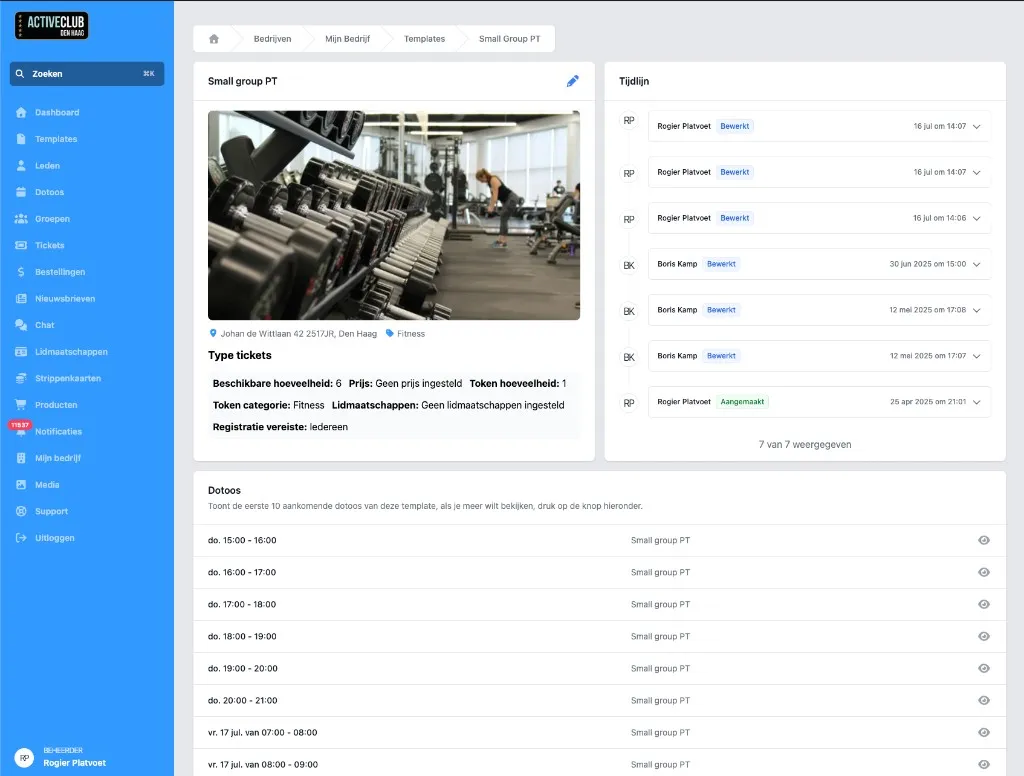
Under Templates, create one template per type of class (title, location, tickets, guides, display type). A template needs at least one ticket.
From a template you create single dotoos faster, or you link the template to a group so DoToo schedules the sessions ahead automatically (up to ten upcoming dotoos per group).
One dotoo by hand
Go to Dotoos → Create. Pick a template if you want. Fill in the start and end, the sign-up window, the location or online link, the ticket types and the display type. Save.
Display type: Public, Members only or Hidden. Hidden is handy for closed classes that you only share by link.
Date, location and description
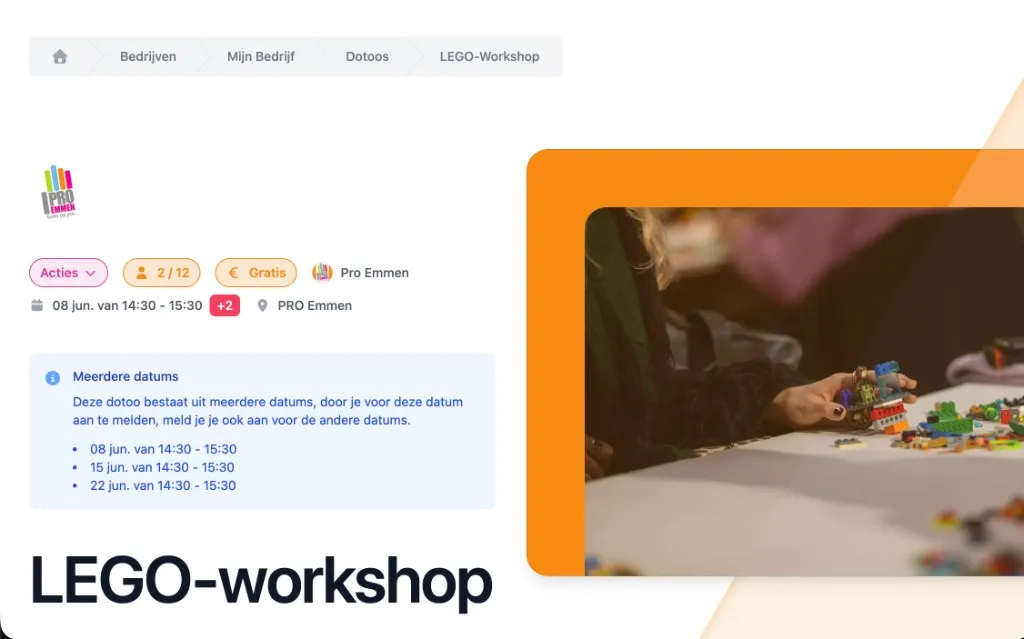
Set a start time and an end time. If “multiple dates” is switched on in your settings, you can create one dotoo with several sessions that participants sign up for in one go.
Choose a physical location or an online link. The description appears on the dotoo page.
Tickets and capacity
Under Ticket types you set, for example: €12.50 including VAT, capacity 20, plus tokens or a membership as an alternative.
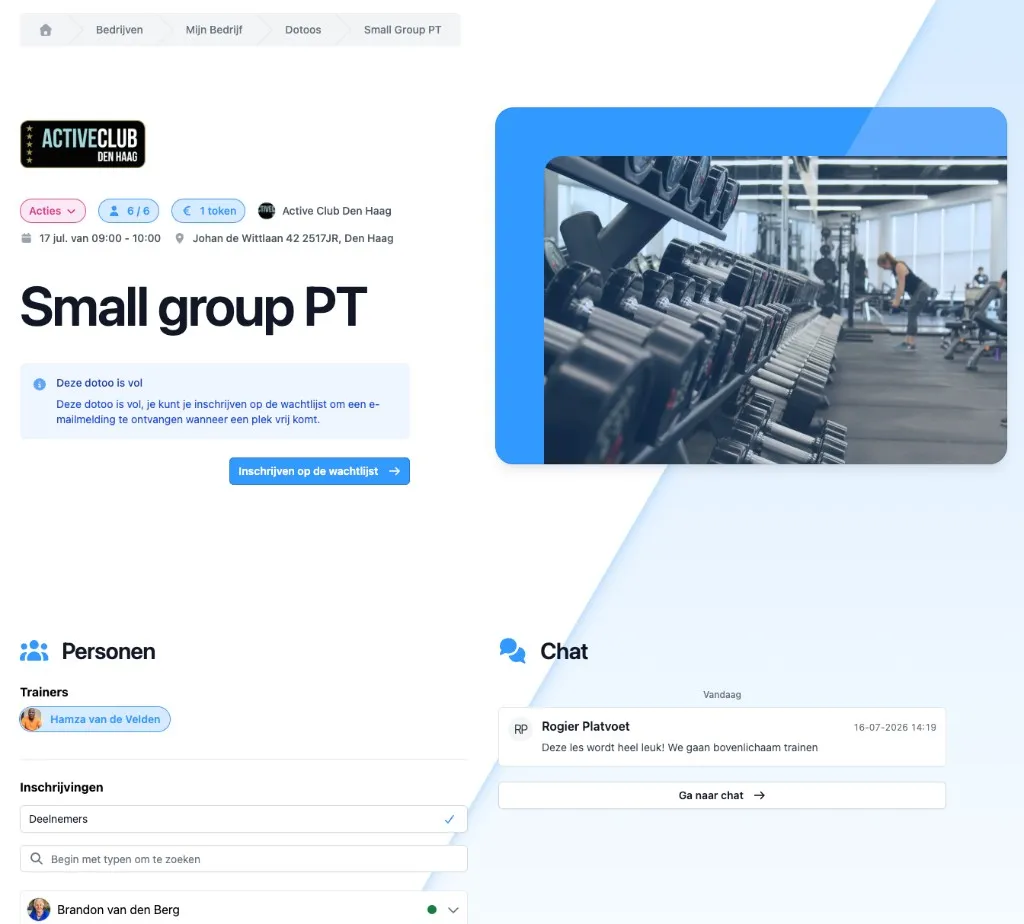
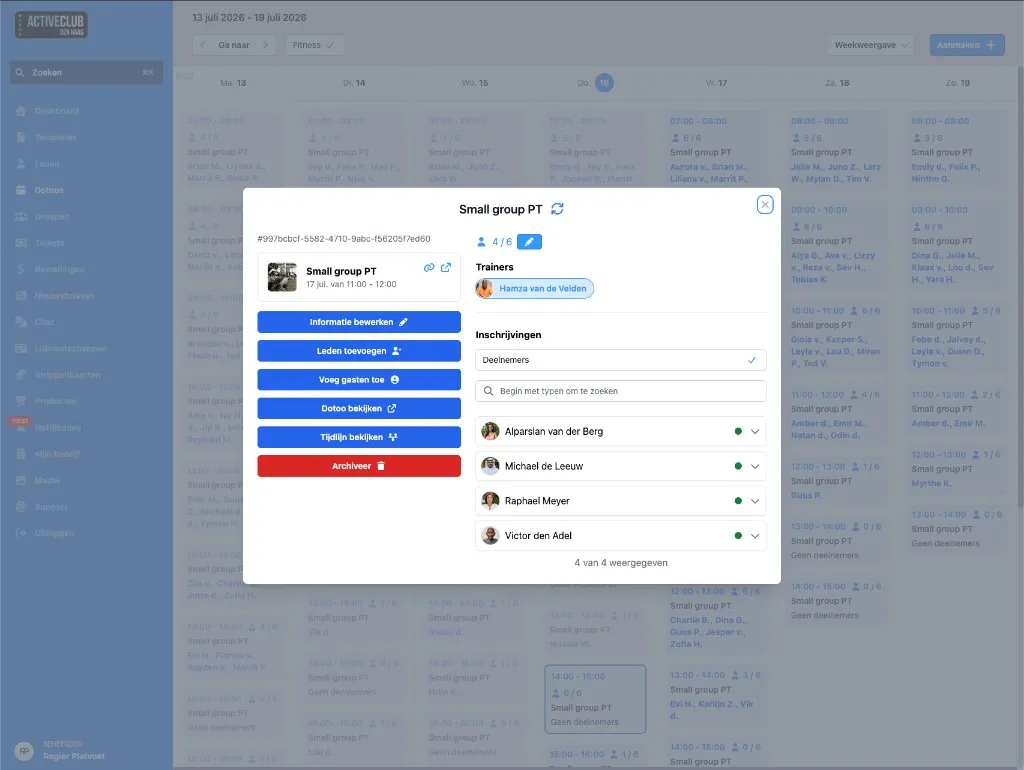
If the dotoo is full, people can join the waiting list. When a spot opens up, everyone on the list gets an email; whoever responds first gets the spot (there is no automatic placement).
Memberships on the ticket
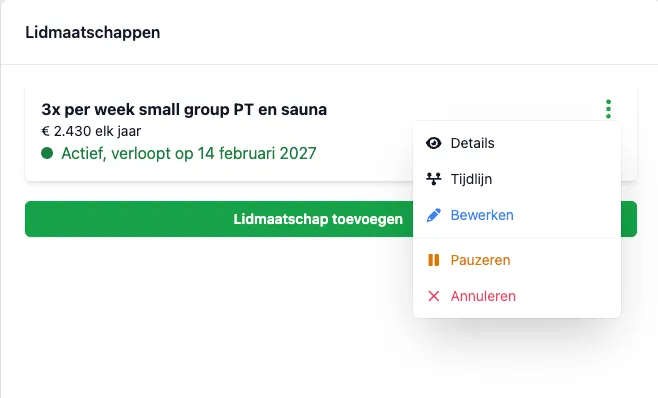
Link the memberships that are allowed to join to the ticket. For a special where everyone has to pay, leave the membership out or use a priced ticket only.
For “only the unlimited membership, not the 2× per week variant”, you link just that variant or membership.
Tokens
On the ticket, set for example 1 token and the right category. The transaction deadline (hours before the start) determines until when canceling still returns tokens or membership access “for free”, according to your rules.
Reminders and the rest
Set a reminder in hours before the start. Participants get it by email or as an in-app notification, not as a push on the lock screen.
Optional: a message and terms during sign-up. You link guides to the dotoo, the template or the group.
Finishing up
Choose Create. For the weekly schedule of BS: create a group per time slot with auto-scheduling on the right template, or schedule ahead manually from templates. That keeps things maintainable without 365 separate repeats in one go.
Groups
For BS, for example: a Monday morning group per time slot, plus a trainers group for meetings.
Create the group (weekday, time, template, auto-scheduling). Add members via Actions → Add members. DoToo signs them up for the upcoming sessions.
Use Newsletters to reach all members; that replaces the old “newsletter group”.
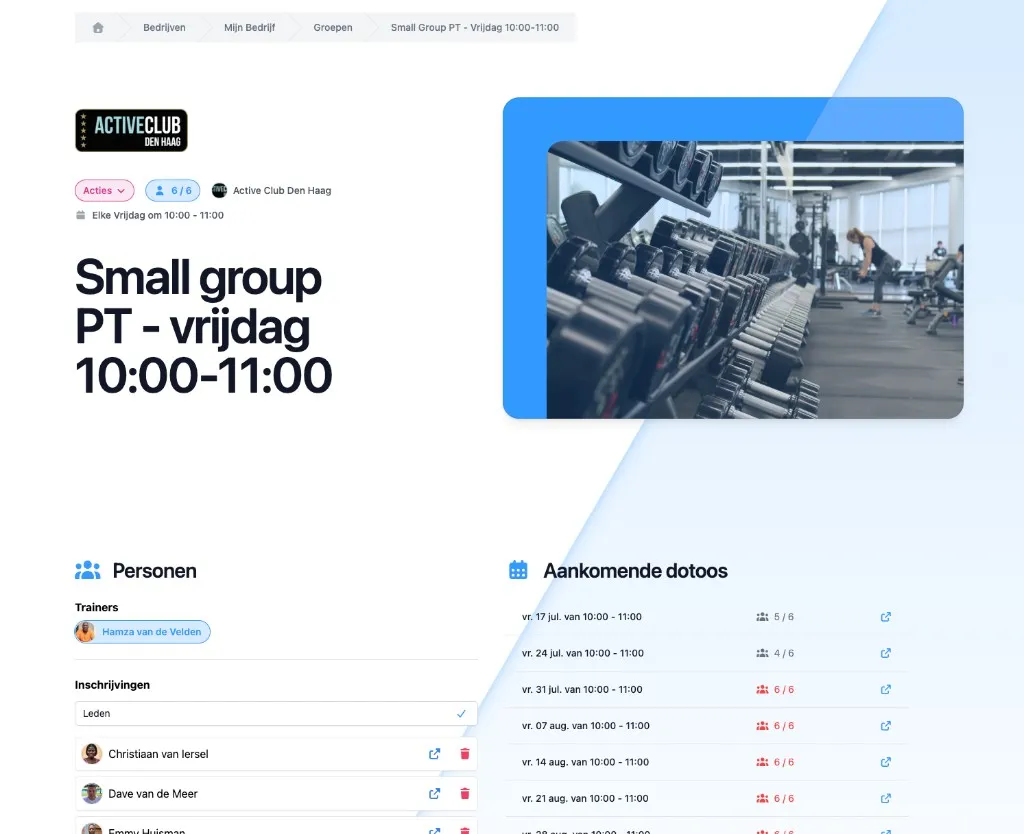
Leave auto sign-up switched on for regular training groups. You can pause the schedule temporarily during a holiday week; dotoos that are already scheduled stay in place.
Tip: check Actions → Log to see what the automatic scheduling has done.
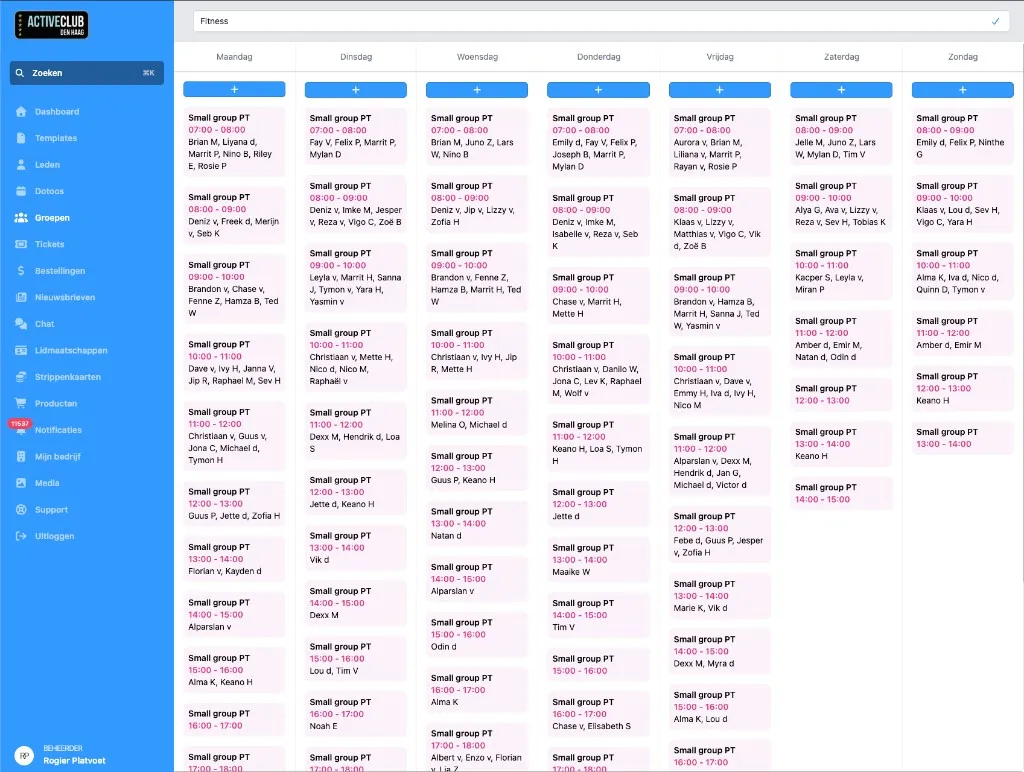
Trainers group
Put trainers in a group with a fixed meeting slot (template plus schedule), or schedule single dotoos for team outings and add those to the group chat context through the group.
Bringing in members
Share the registration link play.dotoo.app/bedrijven/your-slug/registreer. Members then find the schedule, memberships and credit passes in their menu.
Sharing
Participants do not look you up inside DoToo. Share links to your profile, your schedule or a single dotoo (Actions → Copy link). Paste them on your website, on socials or in WhatsApp.
Example: “Still room tonight:” plus the dotoo link. It works in any browser; nobody has to install anything from the App Store. If they want, they can add play.dotoo.app to their home screen.
Chat
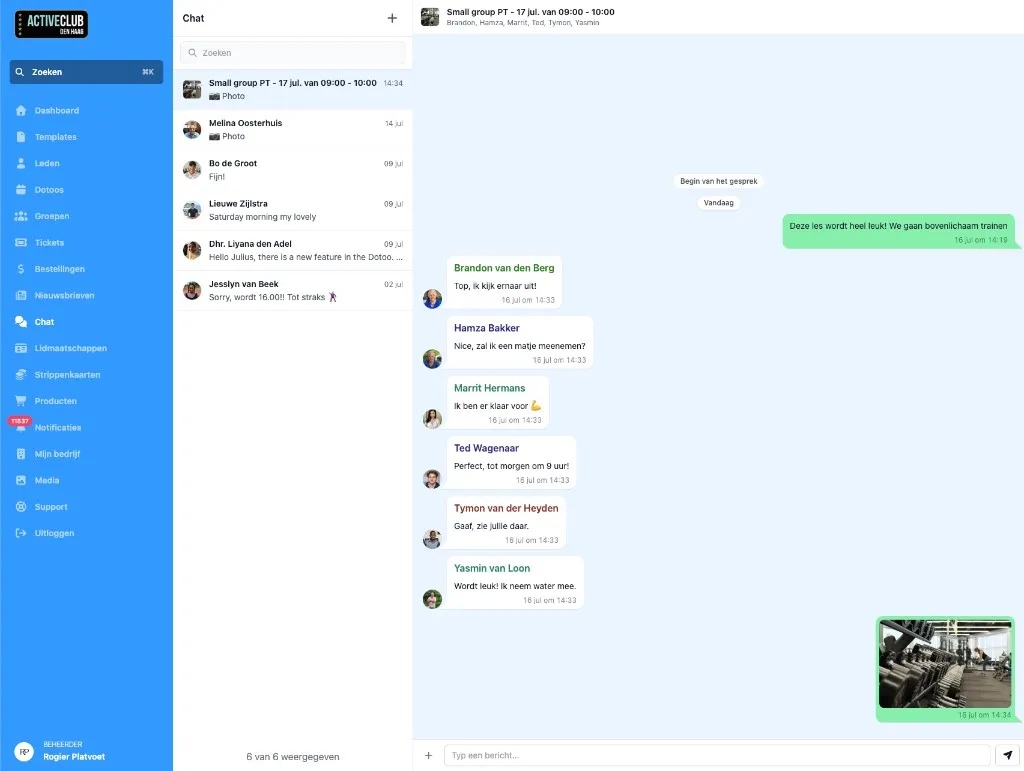
Use the dotoo chat for photos and questions about one class, and the group chat for a fixed group. That way communication stays findable per activity, instead of getting lost in WhatsApp.
Questions for DoToo itself: use Support in the app.
Conclusion
You now have an up to date picture of how to set up DoToo as a sports trainer: Stripe, tickets, templates, groups and shareable links.
DoToo keeps getting better. Follow updates on the site and the blog. Questions? Support in the app or dotoo.app.