

Tickets
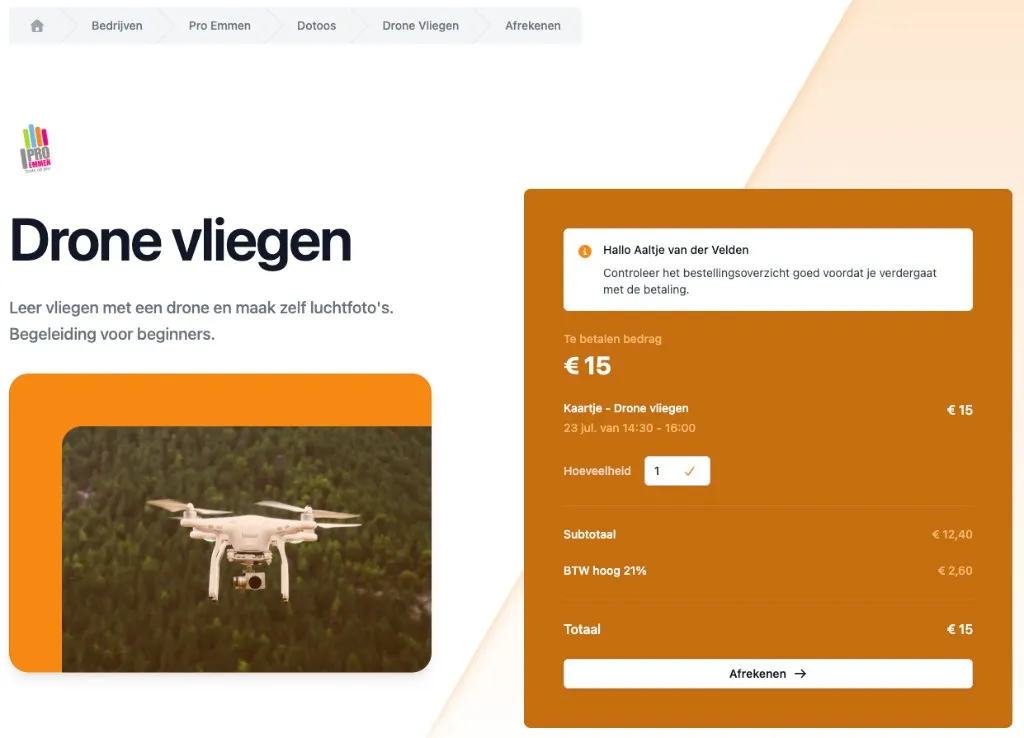
On DoToo, sign-ups work through tickets (in the app: Ticket types). Every participant has at least one ticket, even for free activities.
Per dotoo you can offer several ticket types, each with its own name, price or token price, capacity and conditions.
Participants find their sign-ups under My dotoos and their purchases under Orders.
Free activities
With a free ticket someone signs up without paying. Organizations can allow guest sign-up: the guest then confirms through a link in the email (valid for 24 hours).
For the waiting list, tokens or a membership, an account is required.
Paid tickets
Per ticket type you choose how participation is “paid for”:
- Online through Stripe (for example iDEAL or credit card)
- Tokens from a credit pass
- Membership linked to the ticket
- On-site (you mark the order as paid)
- Checkbook (if that module is switched on)
- Free
Technically there is only a money transaction with Stripe or on-site and checkbook. With tokens or a membership the participant has already paid, or has access through the subscription.
Without Stripe there are no online payments; that leaves on-site and free.
Examples from practice
Bootcamp school
You sell memberships and credit passes, and you want drop-in participants to join for €7.50. On the ticket of the class you then offer Stripe payment, tokens and membership side by side. Regular members book with their membership or tokens; drop-in visitors pay online.
Network group or association
Members pay yearly through a membership. Activities only carry that membership on the ticket. If you also want individual guests, add a priced Stripe ticket.
Conclusion
With tickets you decide per activity who can join and how they pay. DoToo keeps track of whether someone has paid, has enough tokens, or has a valid membership.
Questions? Use Support in the app or take a look at dotoo.app.