

A checkbook per member. Top up and deduct.
A euro balance with the person: add funds, deduct, or let someone pay with it. Without separate cash sheets next to your schedule.
Tracking cash balances outside your schedule costs time and causes mistakes:
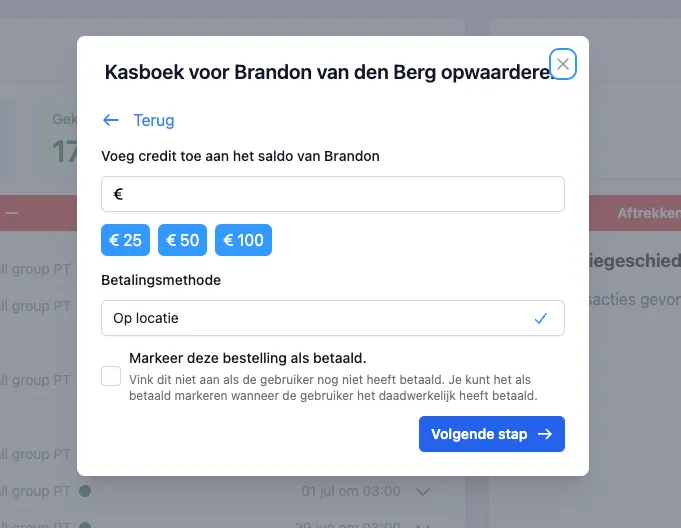
Balance in euros. With the person.
Every member can have a checkbook: a money balance in euros with your business. You see the balance on the member profile, along with the transactions.
This is different from a credit pass: a credit pass is credits for classes, the checkbook is an amount you top up or deduct.
What it is
Per member. The balance belongs to the person, not to a separate cash drawer.
In euros. Not tally marks, but an amount.
Visible to your team. On the member profile in DoToo.
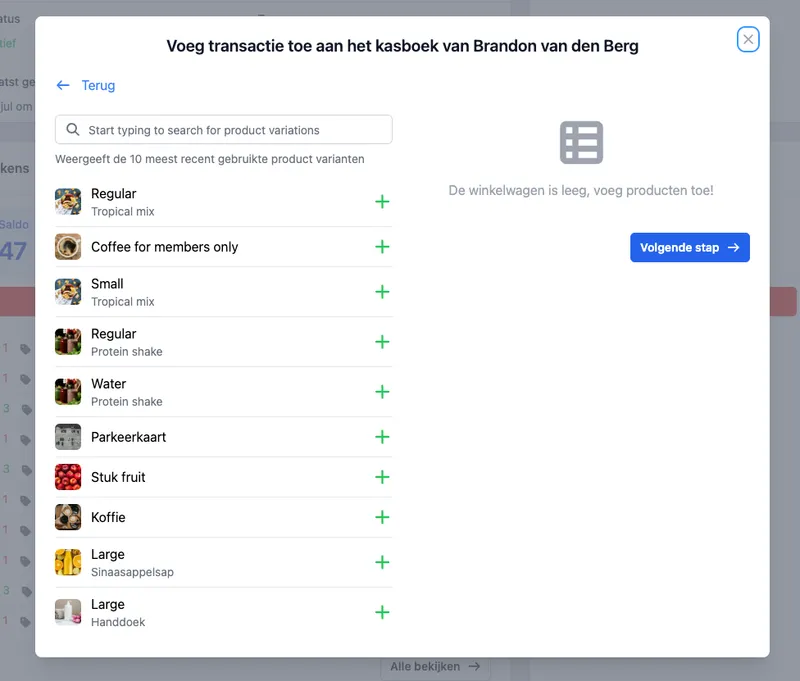
Top up or deduct. Whenever you want.
Top up the checkbook when someone deposits money or pays in advance. Deduct when you charge for something. Transactions belong to the member, so you and your team see what happened.
Less guesswork at the front desk. The balance matches what DoToo tracks, not a note on your phone.
What you do
Top up. Add money, with the right member.
Deduct. Take an amount off, with a clear transaction.
History. What was added or deducted.
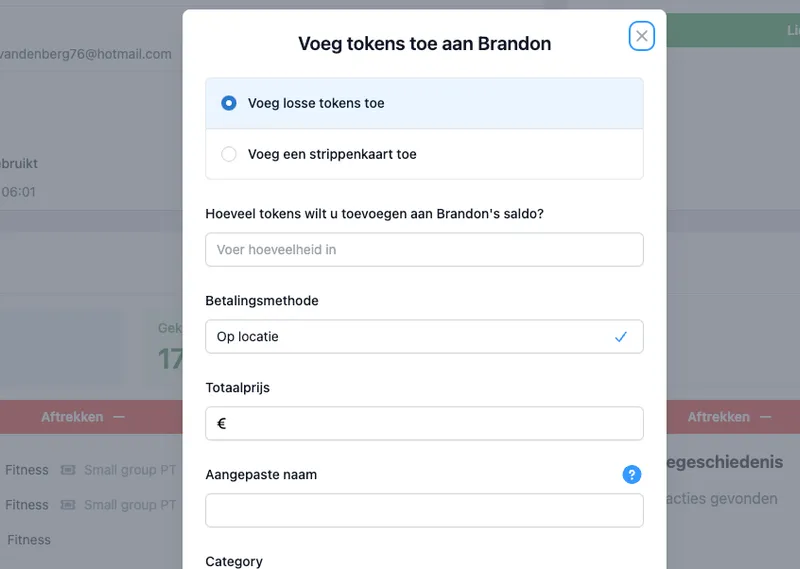
Checkout with a balance. In the same flow.
If you turn on the checkbook, you can let people pay with it at checkout. Booking and paying stay together: no separate pot next to your bookings.
Top-ups and deductions come back as an order, with an automatic invoice where applicable. See also Payments.
At the purchase
Pay with balance. If you allow it.
Order + invoice. The same track as other payments.
One way of working. No separate cash drawer next to DoToo.
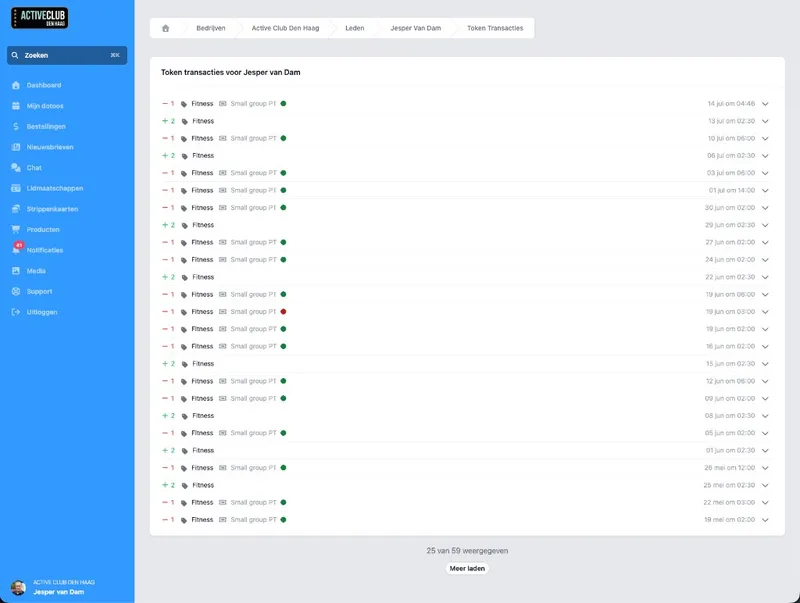
For people who pay ahead or run a tab.
Handy when people deposit an amount up front, when you keep something on account, or when you help the same customer often without settling in cash every time.
Combine it with your member management: open the member, see the balance and the history, and carry on without Excel or WhatsApp notes.
In practice
Deposit up front. Put balance ready before the class or purchase.
On account. Deduct when it happens.
Less discussion about amounts. The balance sits where you book.

We tracked outstanding amounts in an Excel sheet. Now the balance sits with the member, we can top up or deduct, and we see right away what is open. That saves discussion at the front desk every week.
Rodney van der Meijs
Van der Meijs PT, Gyms & studios
Frequently asked questions
- What is a checkbook?
A money balance in euros per member with your business. You can top it up, deduct from it and, if you allow it, let people check out with it.
- How is this different from a credit pass?
A credit pass is credits for classes (rides). The checkbook is an amount in euros. You can use both side by side. More about credit passes on Credit passes.
- Where do I see the balance?
On the member profile, together with the transactions. That way it stays with the person. See Members.
- Do top-ups and deductions show up in orders?
Yes. Those transactions belong to your orders, with an invoice where applicable. Read more on Payments.
- Do I have to use the checkbook?
No. It is a module you switch on if you want to work with money balances per member. If you mainly use credit passes or direct payments, you can do without it.