

Everything about your members. In one place.
Anyone who registers with your business lands in your member list. Open a profile and see bookings, orders, notes and credits, without separate spreadsheets.
Keeping customer details alongside your schedule costs time and causes mistakes:
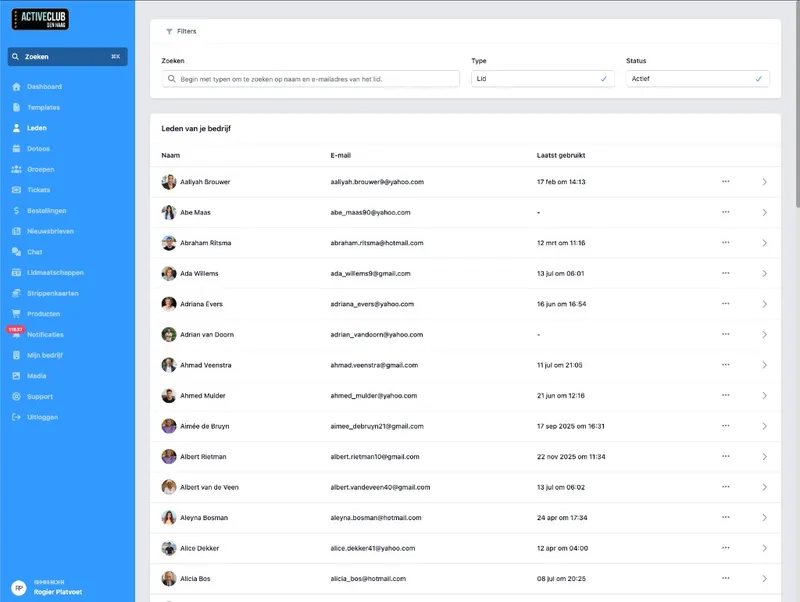
A member list that belongs to your business.
People register with your business on your own registration page, in your house style, with your own photos and look through your business profile. After that they are in your member list: active or otherwise, with a profile you and your team can open and that the member keeps up to date themselves.
No separate customer list next to DoToo. Members belong to the same flow as your schedule and your bookings.
What you see
Member list. Who belongs to your business.
A profile per member. Open it and carry on, without back and forth.
Status. Active or not: clear in one overview.
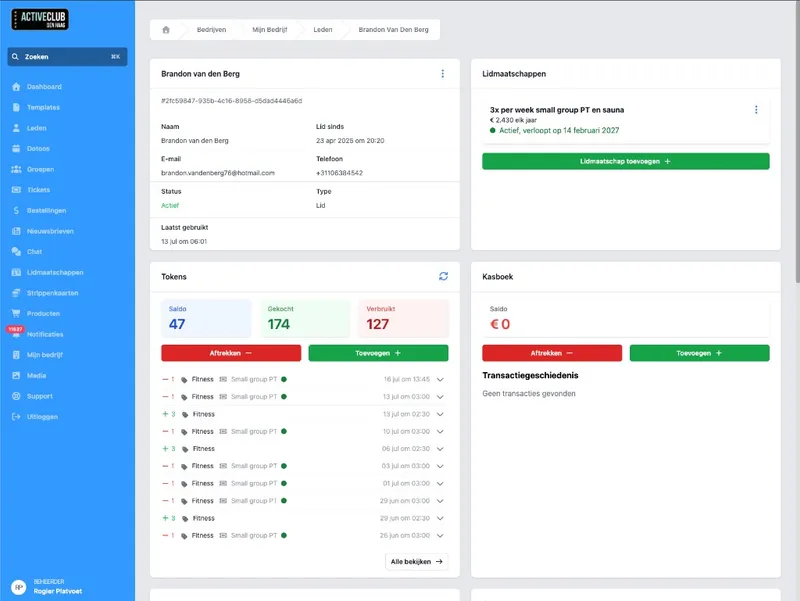
Notes and history. Not in your head.
On the member profile you add notes your team sees later: preferences, things to watch, or what happened at the front desk. You also see that member's bookings and orders, so you do not have to search in three apps.
Handy alongside Bookings and Payments: who is this, what did they pay, and what do you need to remember.
Everything with the person
Notes. For you and your team, with the right member.
Bookings. What someone has done or still has coming.
Orders. What has been paid for, without separate screenshots.
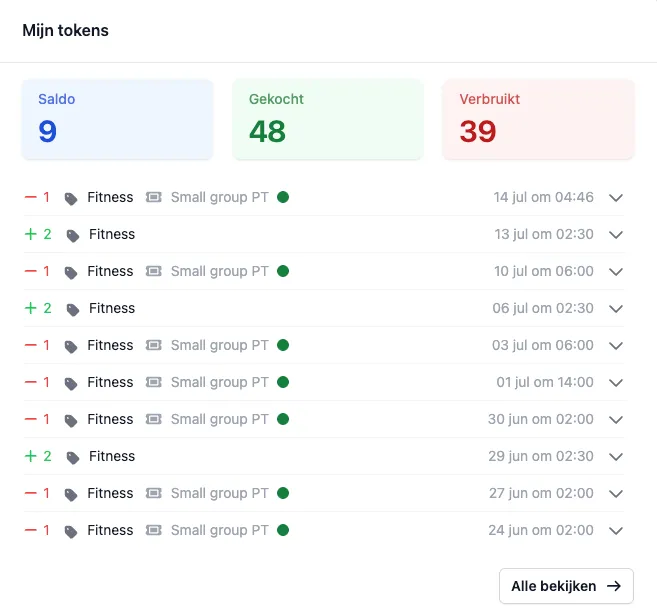
Balances where you need them.
On the member profile you see balances, such as credits for classes or (if you turn it on) the checkbook. Transactions belong to the member, not in a separate notebook.
Connect that to Credit passes, Memberships or the checkbook, so booking and paying stay with the same person.
Insight per member
Credits for classes. Balance visible on the profile.
Transactions. What was added or deducted.
One place. No balance in Excel next to a separate app.
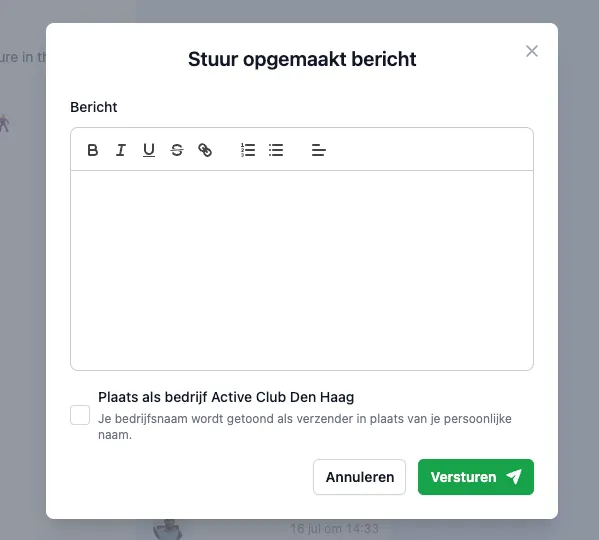
Help members along. Without email threads.
Someone cannot log in? Send a new password from the member profile. Saved payment methods belong to the member, so recurring payments are less hassle.
That keeps member management professional: you help people along without sensitive or practical details spreading across inboxes and chats.
Practical for your team
Send a new password. Straight from the member.
Payment methods. Stored where they belong.
Less mess. No ad-hoc fixes via WhatsApp.

Preferences used to sit in my phone and credits in Excel. Now I open a member and see notes, bookings and balance together. My team works from the same information.
Victor Gerdt
High Performance Studio Naaldwijk, Gyms & studios
Frequently asked questions
- What is a member in DoToo?
A member is someone who has registered with your business. That person is in your member list, with a profile for notes, bookings, orders and balances.
- How do people become members?
Through your own registration page in your brand style (your own photos and look) via your business profile. After that you can manage them in the member list.
- Do I also see credits and memberships?
Yes. The member profile shows the relevant balances and history. Credit passes, memberships and the checkbook are linked to it. See Credit passes, Memberships and Checkbook.
- Can we share notes within the team?
Yes. Notes belong to the member in DoToo, so your team sees the same information instead of private chats or loose WhatsApp messages.
- Can I help someone log in?
Yes. From the member profile you can send a new password, without setting up a separate email chain. If they still cannot work it out, they can reach the Support hub from the app.