
Reach everyone through DoToo.
You reach members, a class or a whole group. Members start a chat themselves when they have a question. One inbox, from tonight's class to the Monday evening group, without separate apps.
Communication alongside your schedule costs time and creates chaos:
Reach who you want. Let members reach you too.
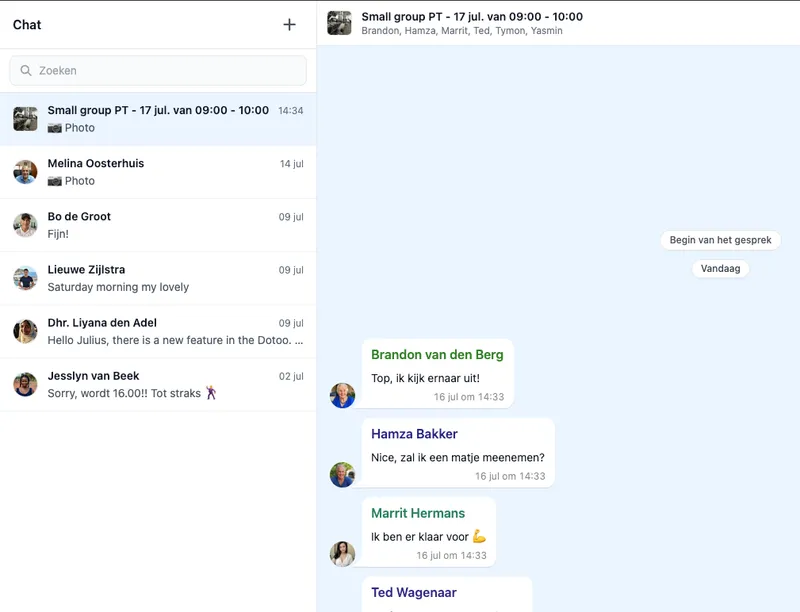
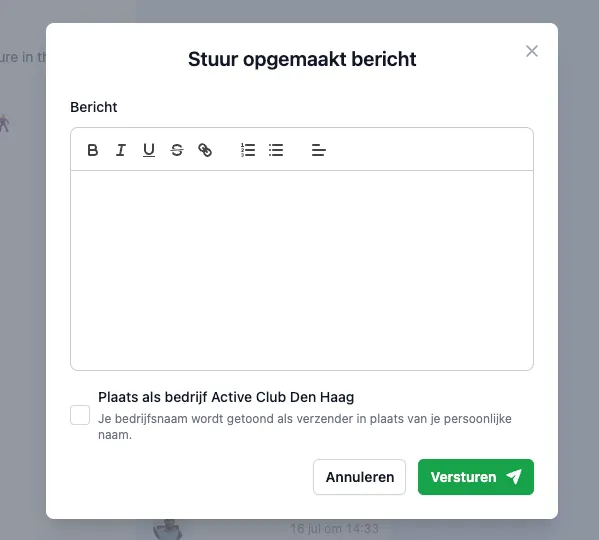
Reach who you want, from one inbox: all members, everyone joining a class, the regular participants of a group, or your whole business through the business channel.
Members do the same in return. They post messages and start a conversation with your business when they want to ask something. So communication doubles as a helpdesk, in the same inbox.
Both directions
You reach members. All members, one class, a group or your business.
Members start a conversation. With a question they write to you directly.
As a helpdesk. Questions land in the same inbox as your messages.
Send attachments along. Photos and documents included.
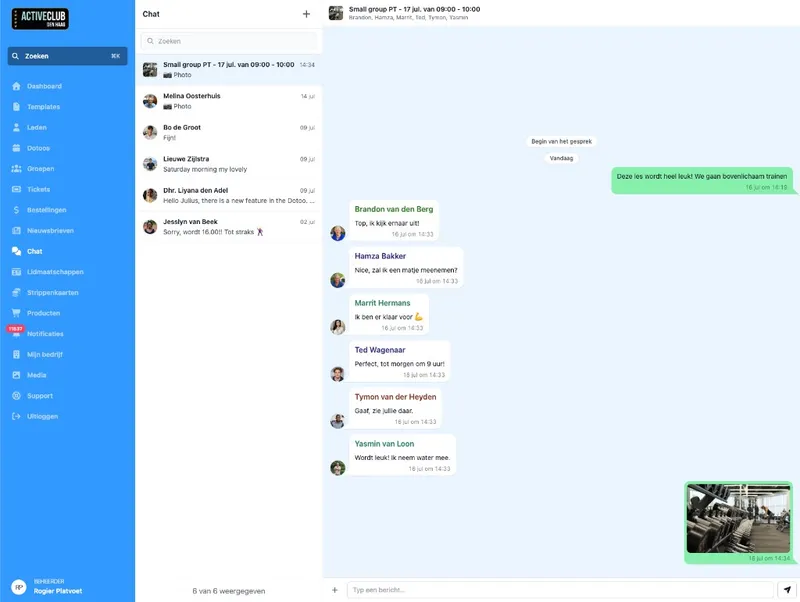
Send a message with text, with files, or both. Photos and documents belong to the conversation, so your schedule and your attachments do not drift apart.
No “see the Drive link above” that is already dead next week. The file sits with the message in DoToo.
In the conversation
Photos and documents. Right with the message.
Text and attachment. Or just files, if that is enough.
Find it back. Open the conversation, everything is still there.
Notifications and reminders. Without manual work.
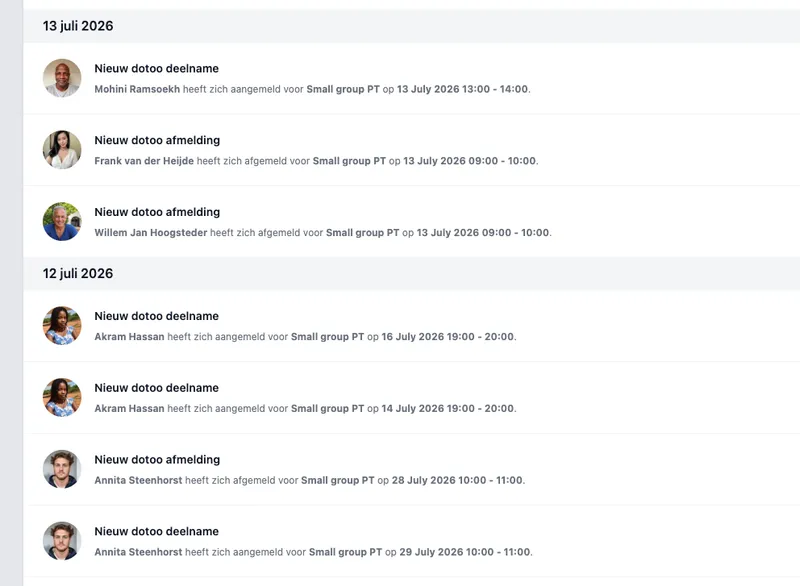
New messages show up as a notification in DoToo, including when a member sends you a question. That way you never miss a helpdesk conversation. You can also set class reminders: optional, and you choose how far in advance, for example 24 or 8 hours. Participants are less likely to forget they signed up.
Less calling people back by hand. More calm for whoever plans and whoever attends.
Staying up to date
Notifications. Also when a member sends you a question.
Class reminders. Optional, with timing you choose.
Less forgotten. No more “did you remember tomorrow”.
Messages are different from newsletters.
This is about conversations and quick notes: back and forth. You or a member starts the conversation, per class, per group or with your business. Do you want a planned update to all your active members, with headings, images and buttons? That is Newsletters.
Both are part of DoToo, with a different role. Messages for dialogue and helpdesk. Newsletters for a broadcast you deliberately compose and send.
Pick the right channel
Messages. Conversation and helpdesk: you or a member starts.
Notifications. A heads-up that there is something new.
Newsletters. Structured updates to members.

We had plenty of WhatsApp groups and someone still missed something. Now the conversation sits with the class in DoToo, with a notification: info up front, and photos or results afterwards. Less chaos, clearer for our team.
Rodney van der Meijs
Van der Meijs PT, Gyms & studios
Frequently asked questions
- Can members start a conversation too?
Yes. Members post messages and start a conversation with your business themselves when they have a question. That lands in the same inbox as your messages. So communication also works as a helpdesk.
- Can I attach files?
Yes. You send photos or documents along in the conversation, with or without text. They stay findable with that message.
- How do reminders work?
They are optional. You set class reminders and choose how far in advance, for example 24 or 8 hours. That way participants know when they are taking part. It is part of your scheduling in DoToo, not a separate reminder app. See also Activities.
- Is this the same as newsletters?
No. Messages are conversations and quick notes. Newsletters are scheduled broadcasts to active members. Read more on Newsletters.
- Does this work for recurring groups too?
Yes. You open or start a group conversation from the group, so active group members are reachable without separate apps. More about groups on Recurring classes.